API Tool in a Single-Node Agent
Step-by-Step Guide
Step 1: Choose a blank template to customize for defining the user's own agent behavior.
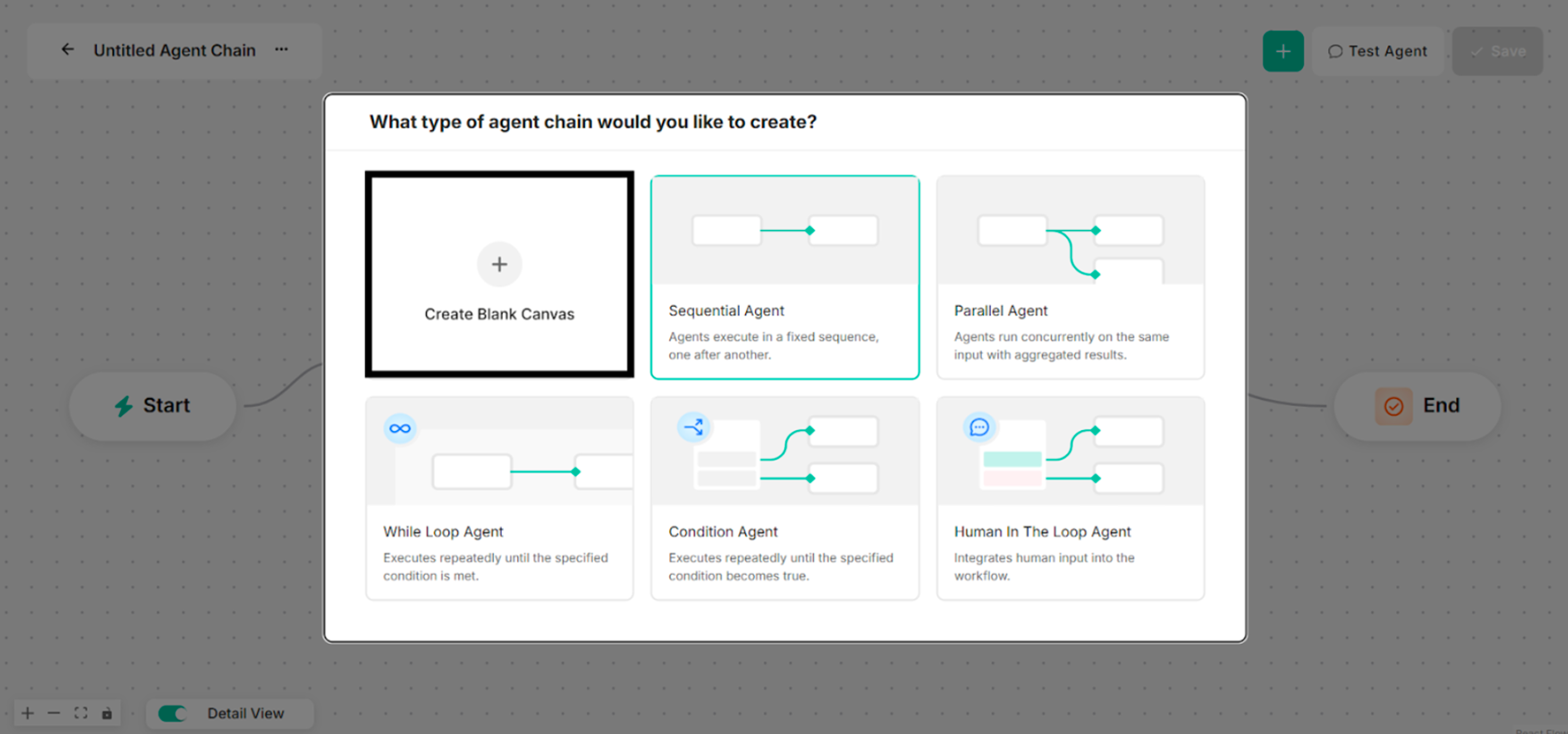 Figure: Interface showing Blank Template for a Single-Node Agent Creation
Step 2: Choose API Tool for the selected type of agent chain to create. The Agent Name and Model Name are renamed before an API Tool is chosen.
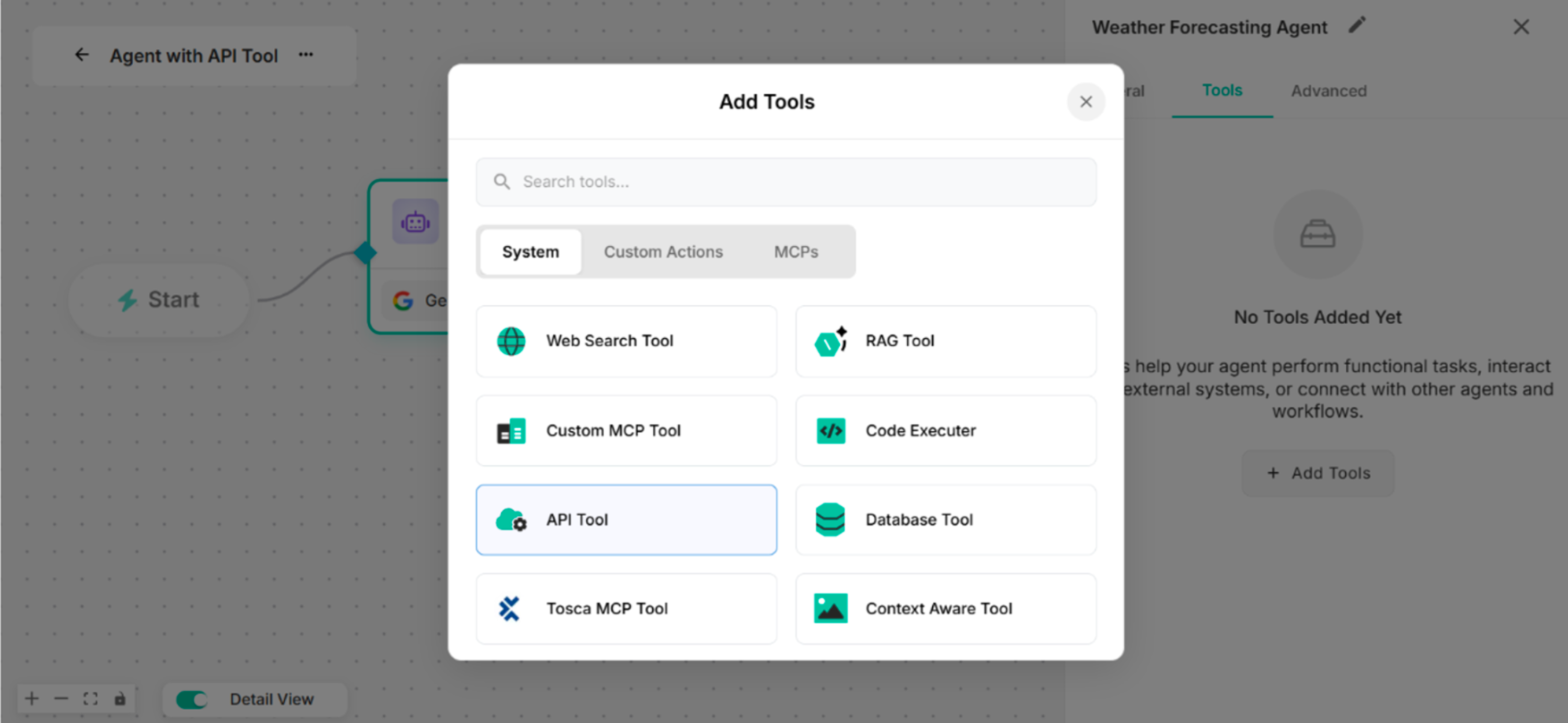 Figure: Showing to select API Tool in Add Tools List
Step 3: By clicking the Manage button, rename the tool name for the Untitled Tool.
Enter OpenAPI Spec JSON with the valid server.
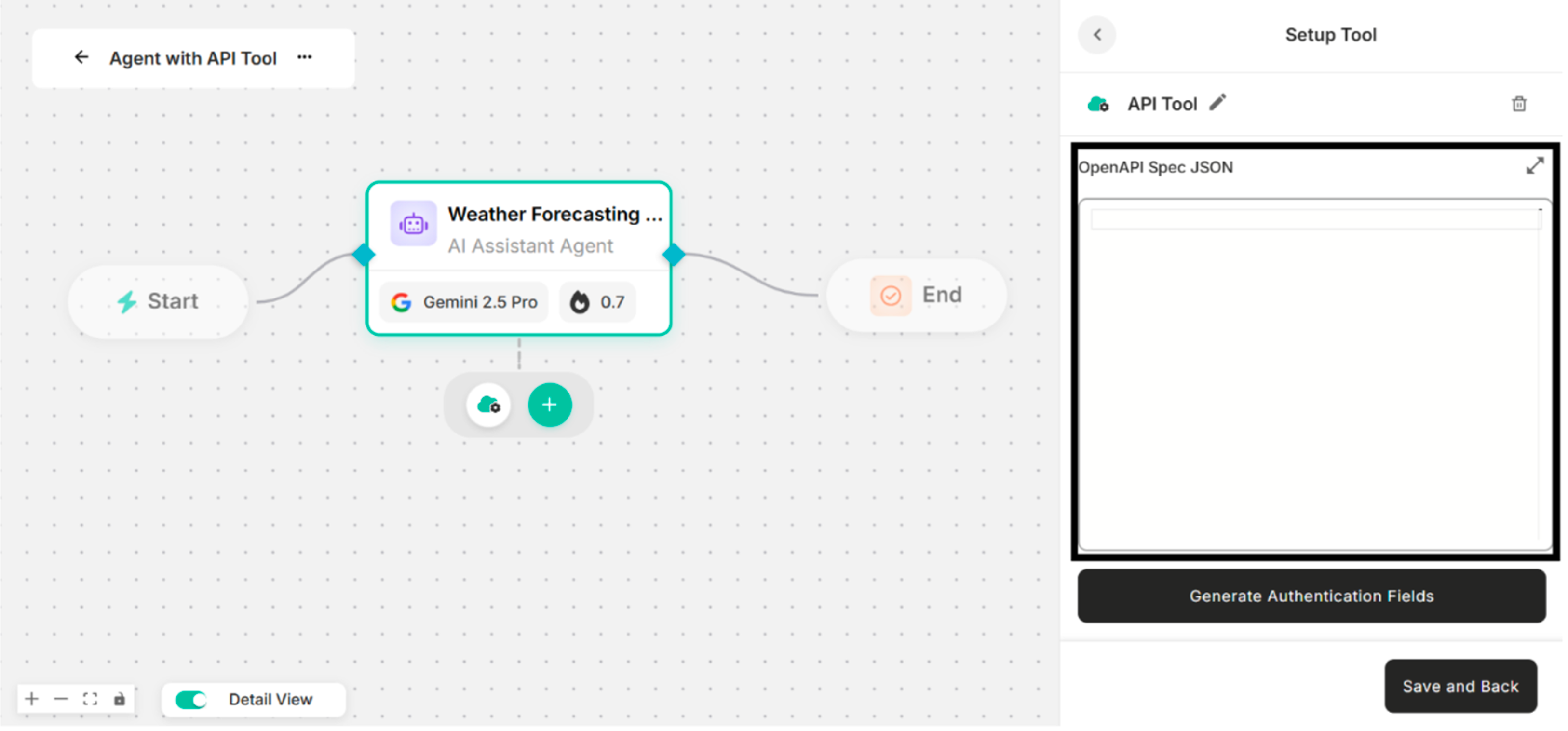 Figure: OpenAPI Spec JSON Box in Setup Tool Interface
Step 4: Click "Generate Authentication Fields" Button to enter the valid API key.
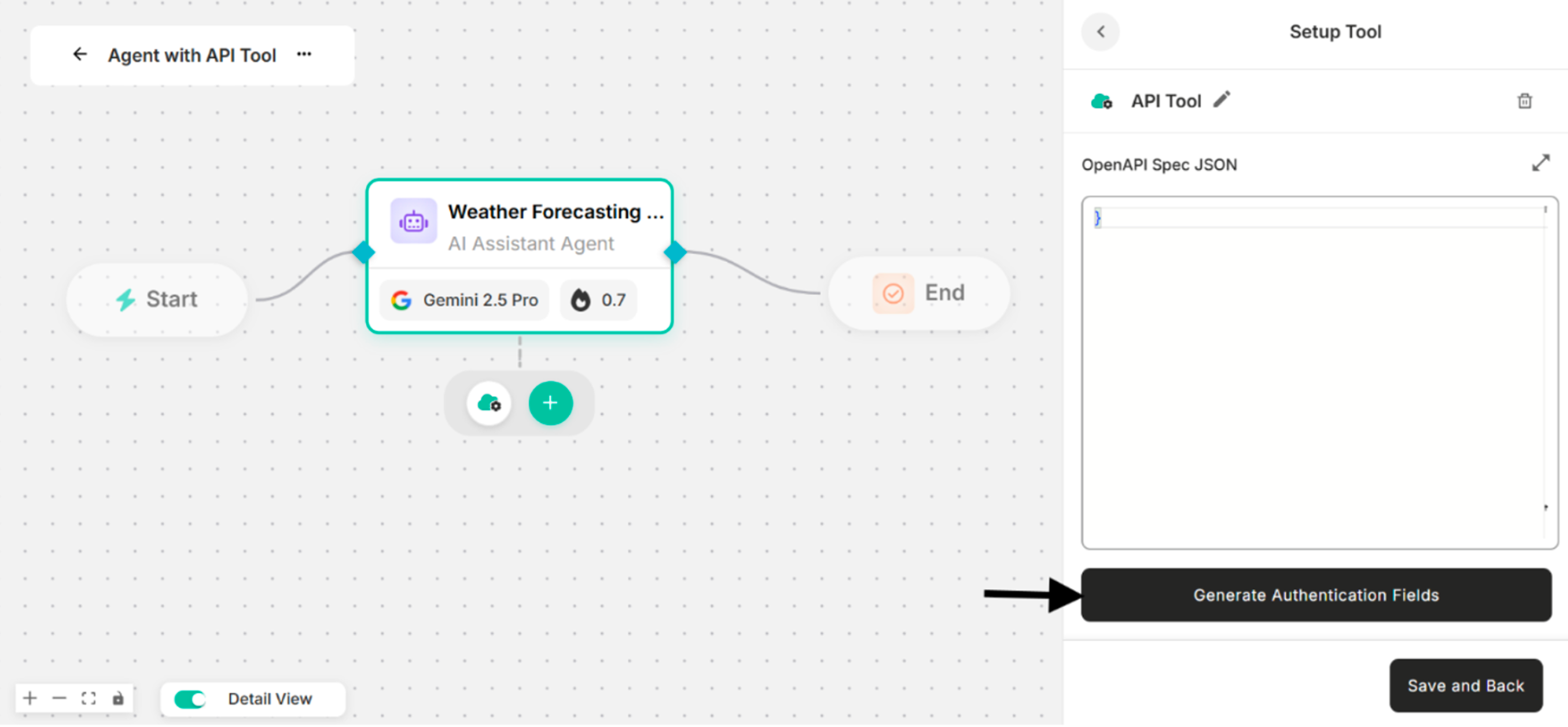 Figure: Showing to click "Generate Authentication Fields" Button for the API Tool
Step 5: Enter the valid API key that is used as predefined values for the above OpenAPI Spec JSON.
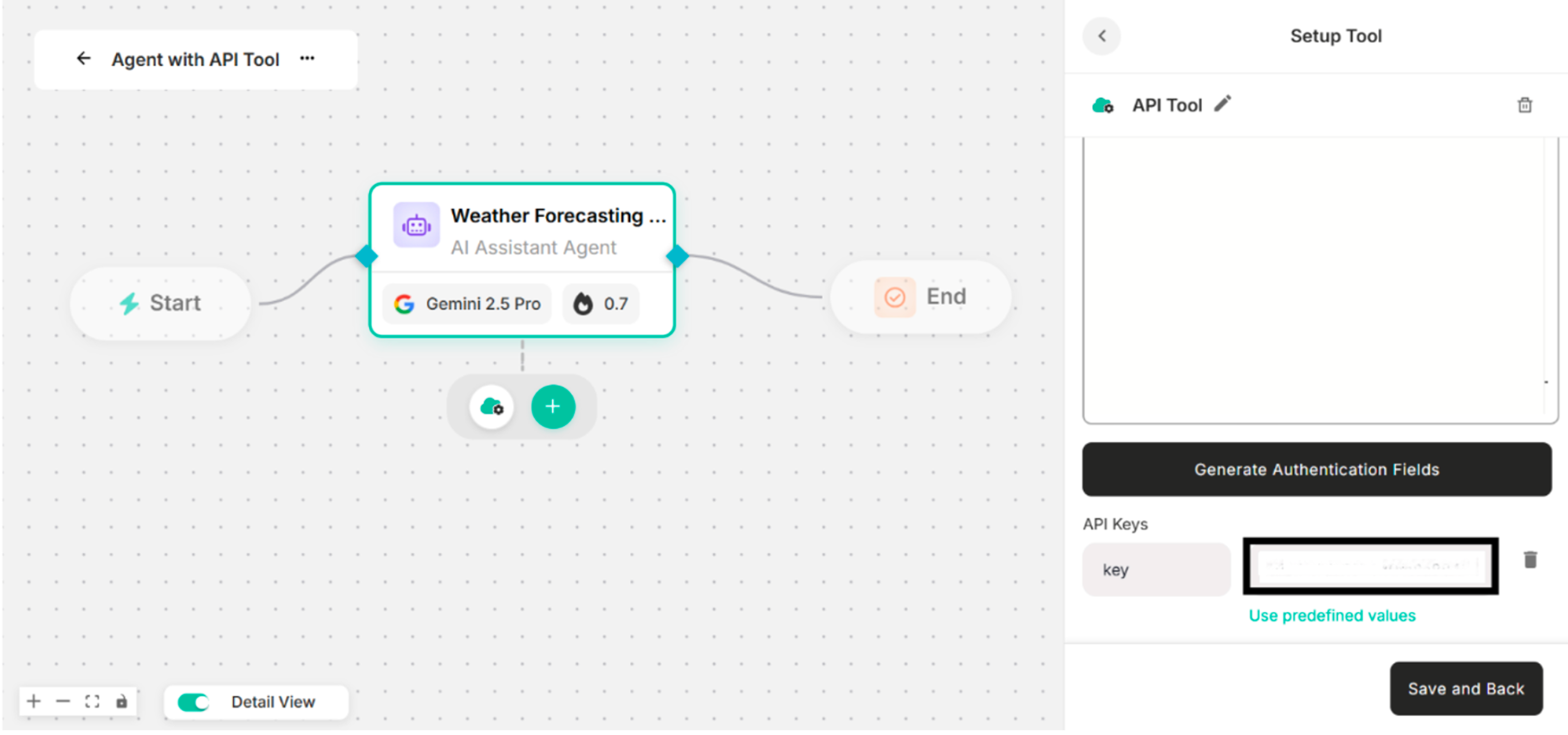 Figure: Showing the Valid API Key Input for the Above OpenAPI Spec JSON in Setup Tool Interface
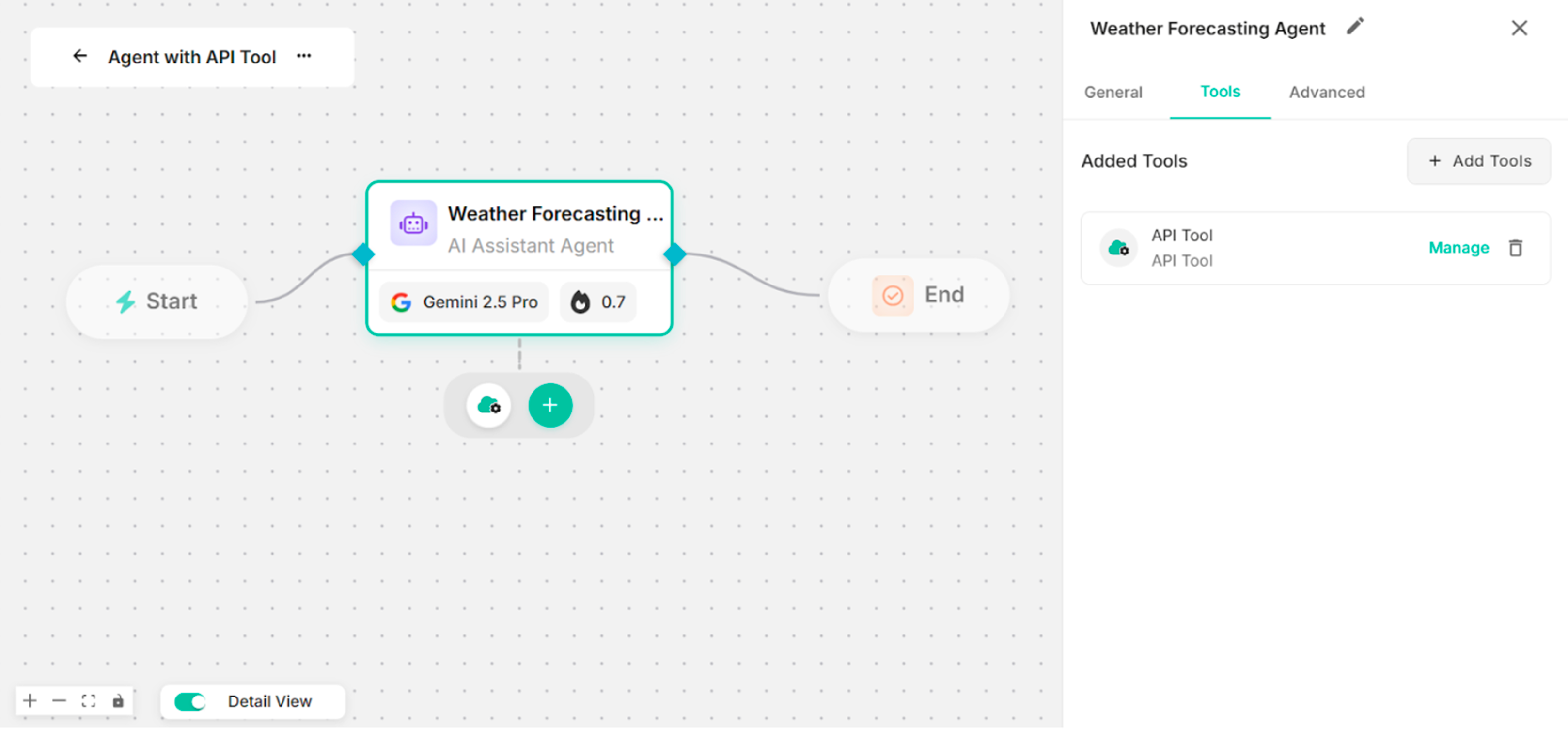 Figure: Showing the Canvas with the Created API Tool
Step 6: Enter instruction in the Instruction box to use the created API tool.
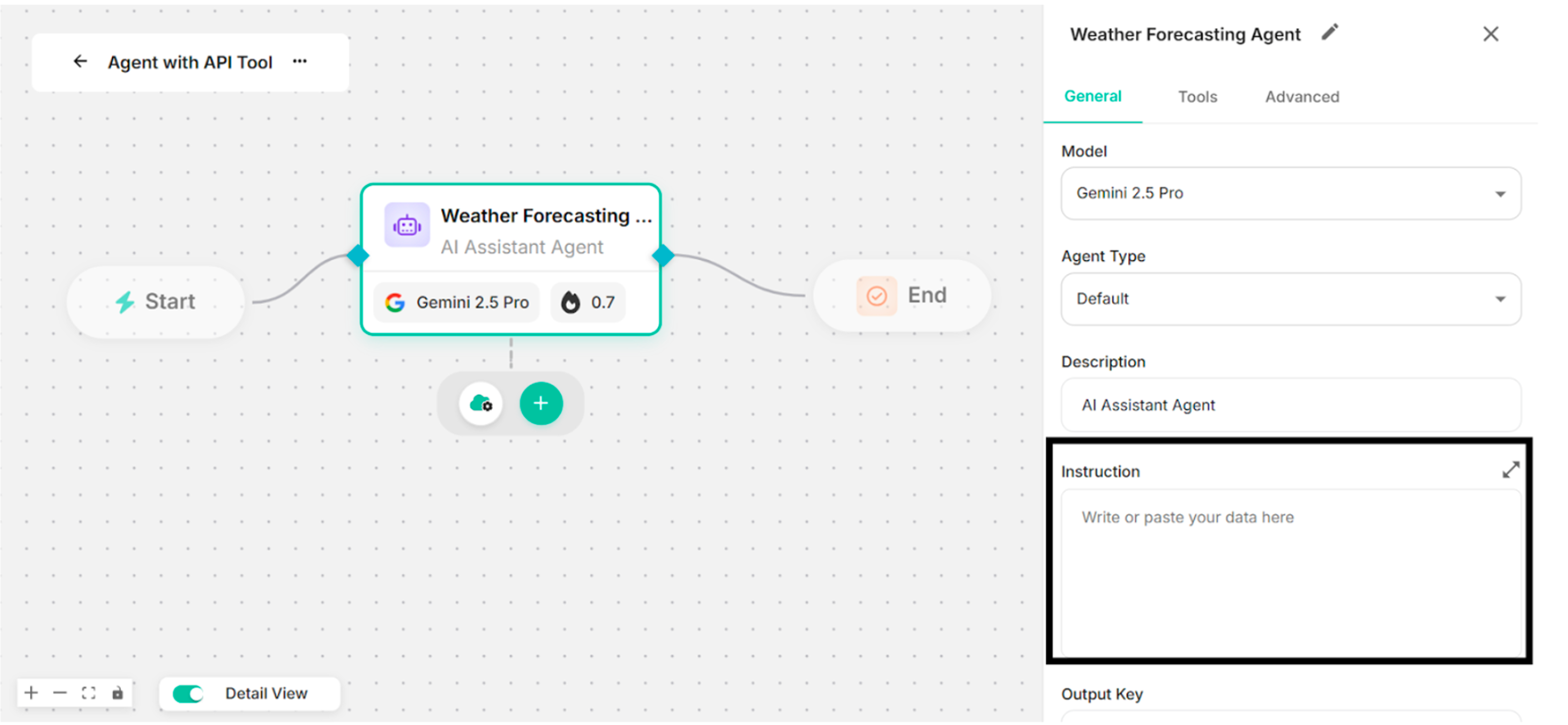 Figure: Showing to add Instruction in the Instruction Box
Step 7: Click Save button with the created API tool.
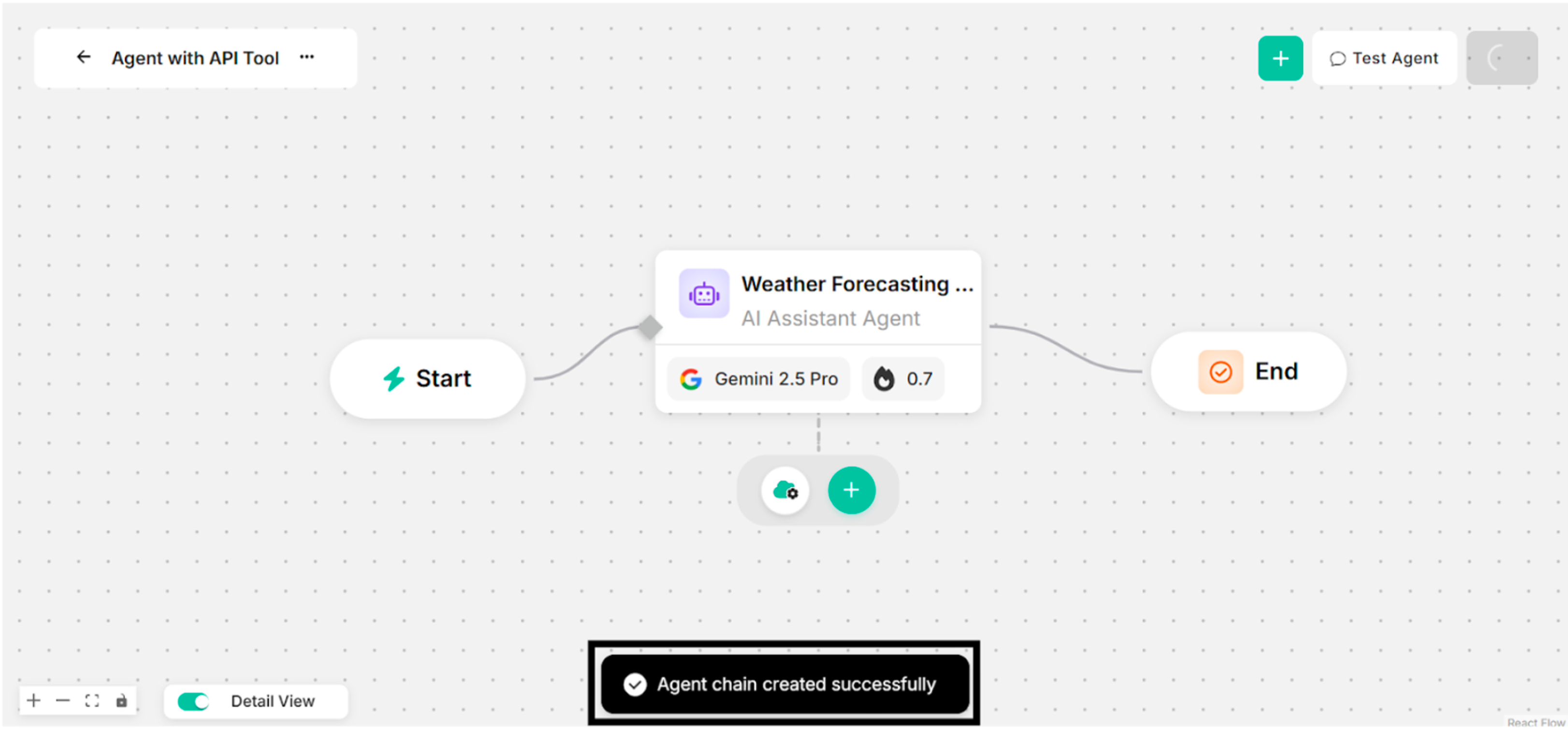 Figure: Showing Success Message with API Tool for Clicking Save Button
Step 8: Ask some questions with the successfully created API tool.
-eb1da4164b57167f91031b185bb2cee4.png) Figure: Showing Some Questions and Answers in Canvas (with API Tool)
Figure: Showing Some Questions and Answers in Canvas (with API Tool)