Integration Settings
There are five integration methods available in the multi-agent system.
| Methods | Description |
|---|---|
| To connect your chat agent with thousands of apps using WhatsApp. | |
| Messenger | To connect your chat agent with thousands of apps using Messenger. |
| Chatwoot | To connect your chat agent with thousands of apps using Chatwoot. |
| Zoho SalesIQ | To connect your chat agent with thousands of apps using Zoho SalesIQ. |
| Zendesk Sunshine | To connect your chat agent with thousands of apps using Zendesk Sunshine. |
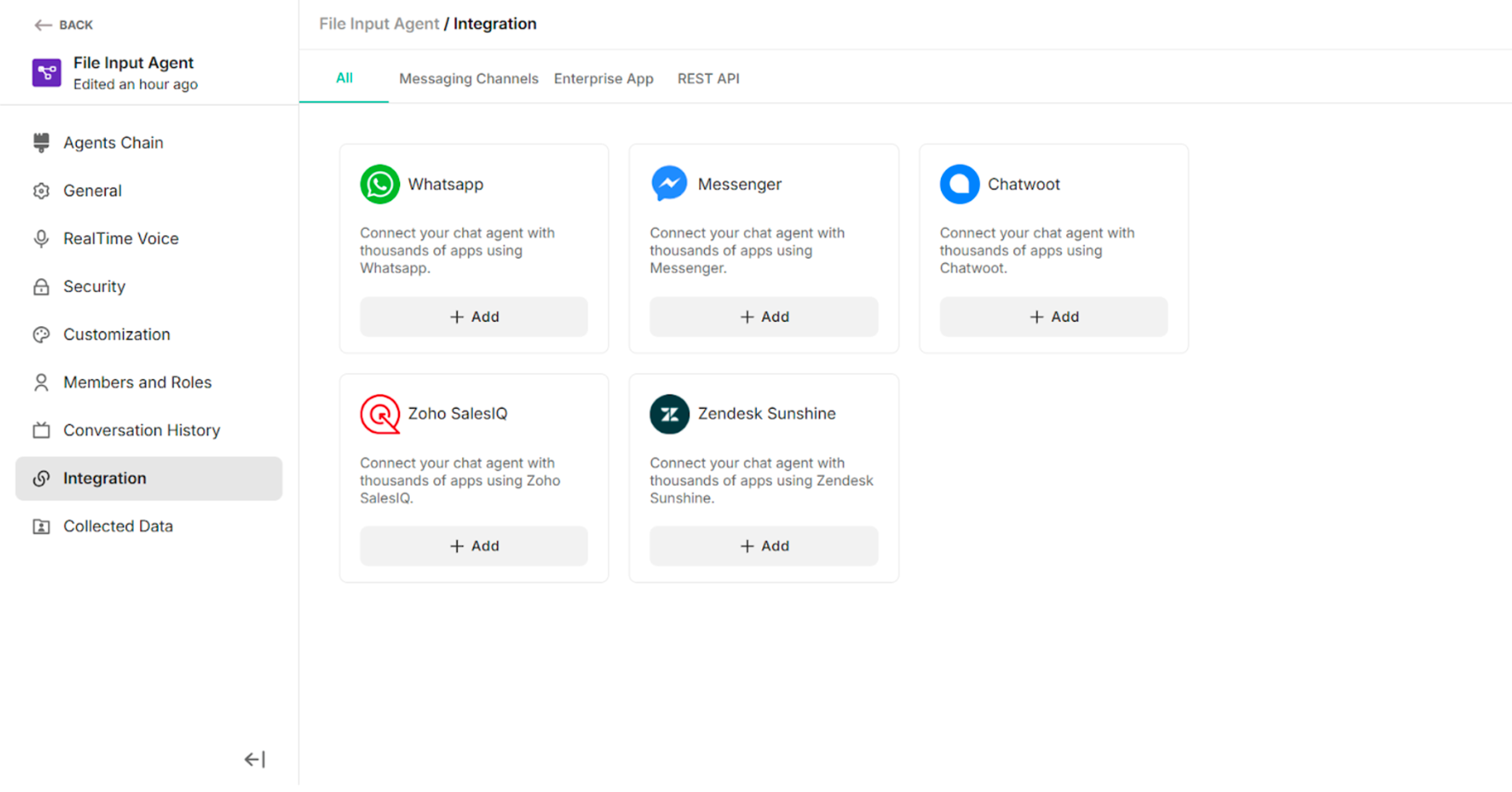 Figure: Integration Methods in the Multi Agent
8.1. WhatsApp
| WhatsApp Credentials | Description |
|---|---|
| Name | To enter a suitable name |
| Meta App ID | To add the Meta App ID |
| Meta App Secret | To add the Meta app secret |
| Verify Token | To add the verify token |
Table: The required credentials to connect the WhatsApp
| Buttons | Description |
|---|---|
| Connect | To connect with WhatsApp |
| Cancel | To cancel the connection process |
| Disconnect | To disconnect the WhatsApp |
Table: Buttons in the WhatsApp
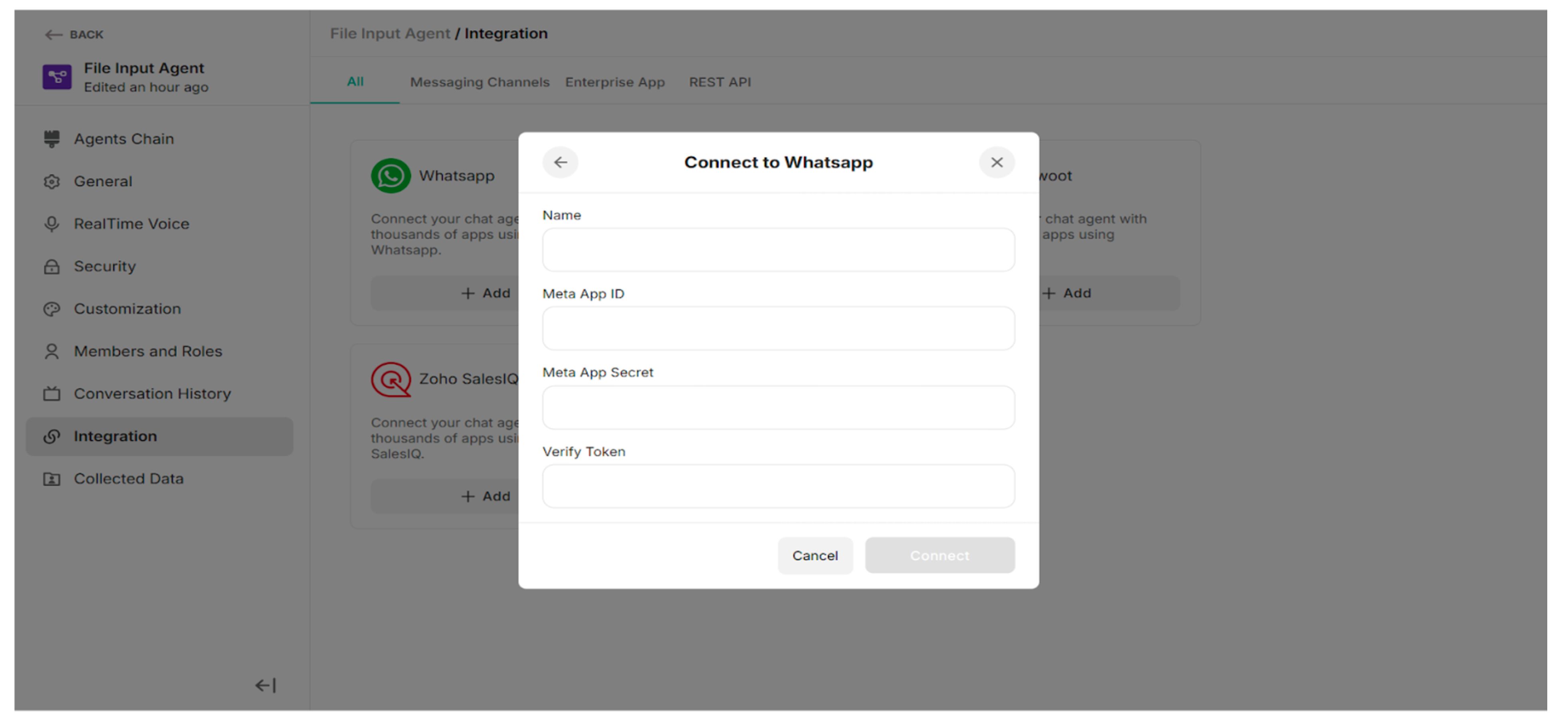 Figure: Connect to WhatsApp Popup
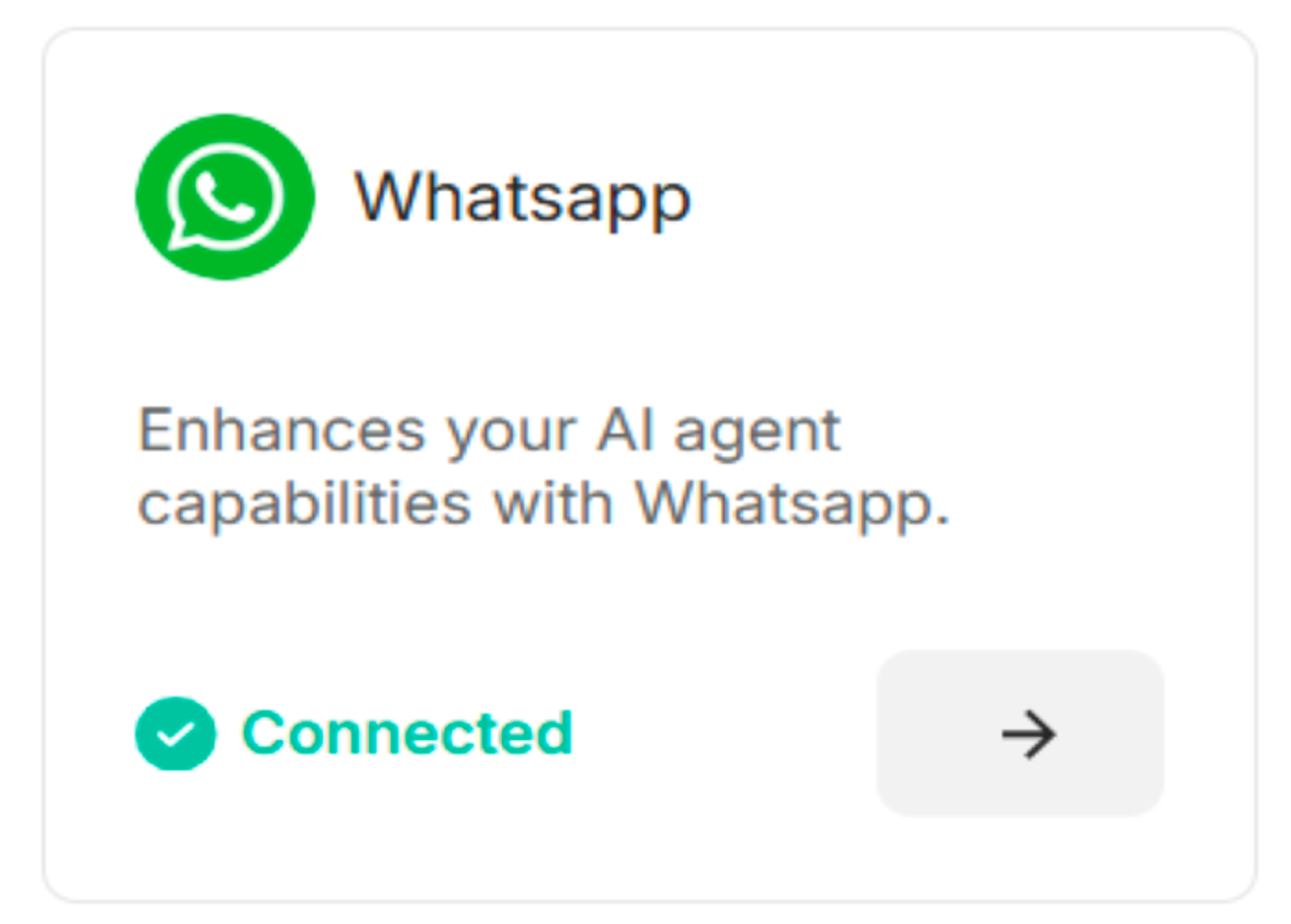
Figure: WhatsApp Connected
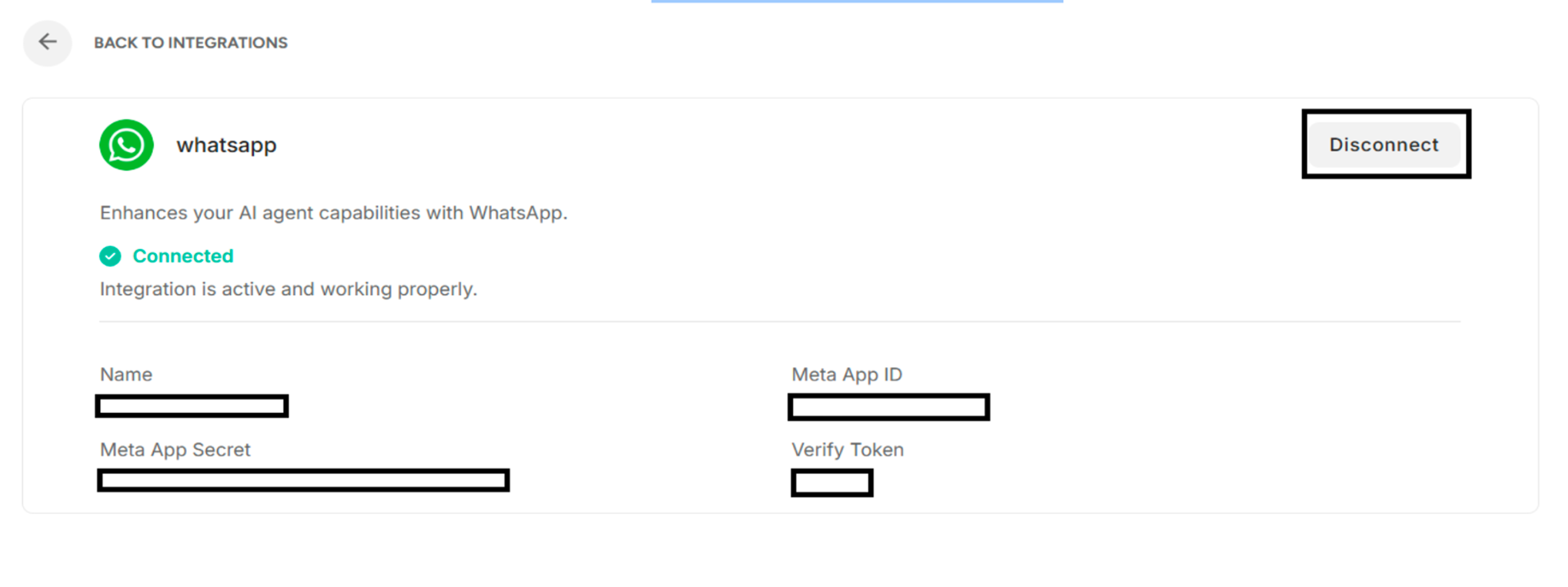 Figure: Connected WhatsApp after clicking Forward Arrow
8.2. Messenger
| Messenger Credentials | Description |
|---|---|
| Name | To enter a suitable name |
| Meta App ID | To add the Meta App ID |
| Meta App Secret | To add the meta app secret |
| Verify Token | To add the verify token |
Table: The required credentials to connect the Messenger
| Buttons | Description |
|---|---|
| Connect | To connect with Messenger |
| Cancel | To cancel the connection process |
| Disconnect | To disconnect the Messenger |
Table: Buttons in the Messenger
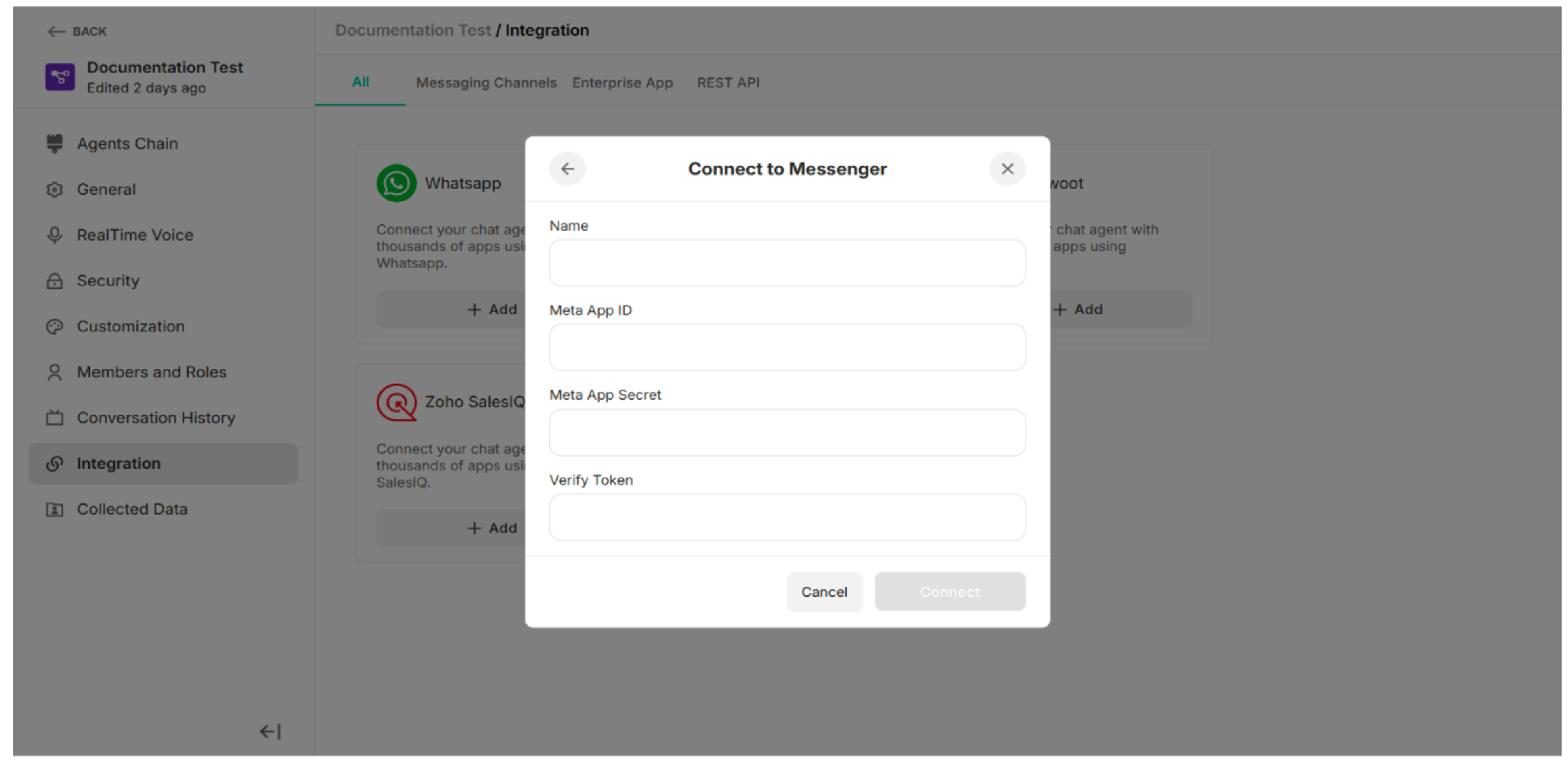 Figure: Connect to Messenger Pop-up
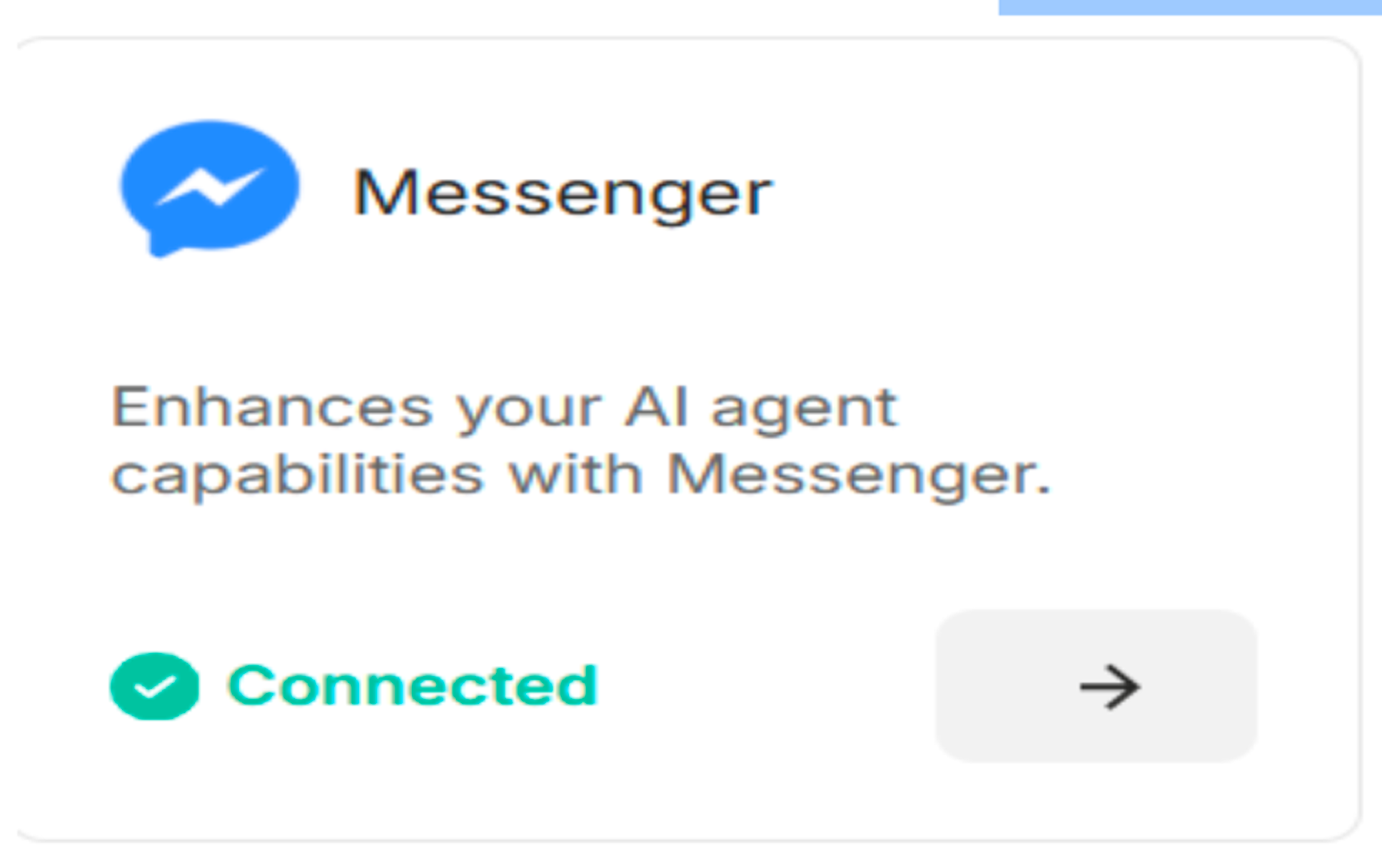
Figure: Messenger is connected
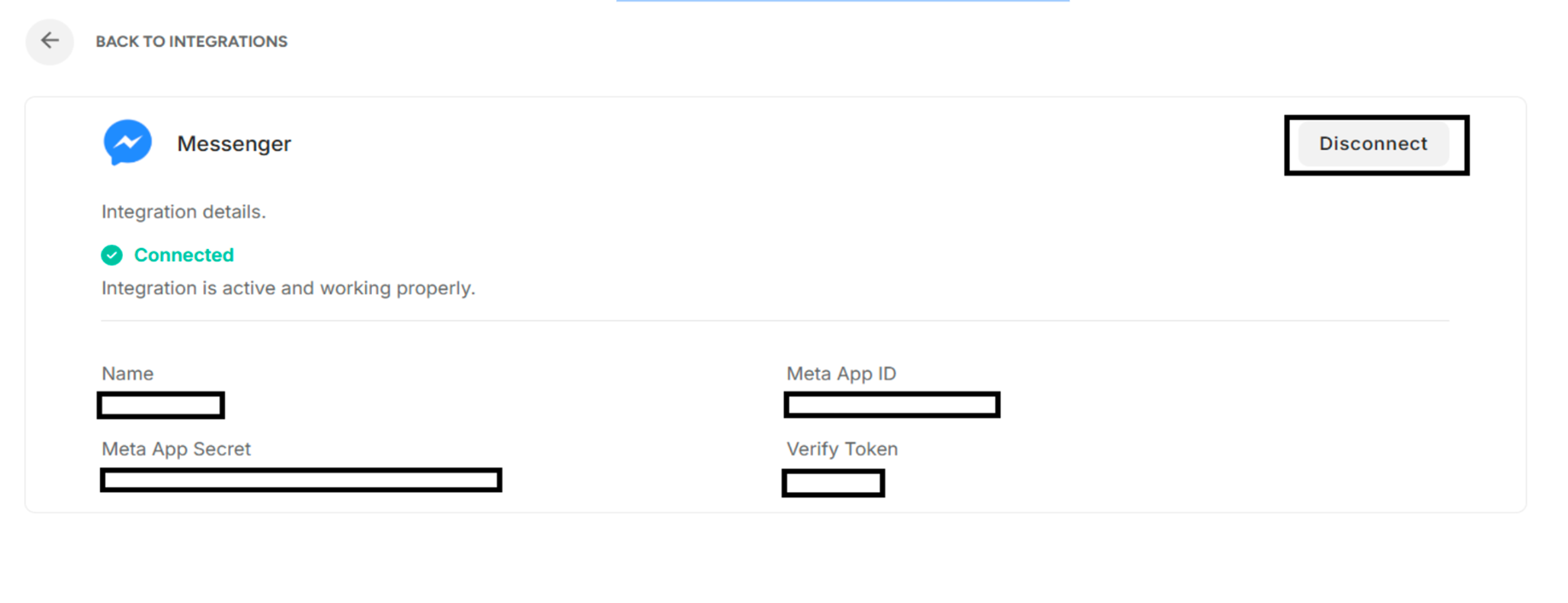 Figure: Connected Messenger after clicking forward arrow
8.3. Chatwoot
| Chatwoot Credentials | Description |
|---|---|
| Name | To enter a suitable name |
| Chatwoot API Key | To add the Chatwoot API key |
Table: The required credentials to create the Chatwoot
| Buttons | Description |
|---|---|
| Create Webhook | To create webhook with Chatwoot |
| Cancel | To cancel the connection process |
| Disconnect | To disconnect the Chatwoot |
Table: Buttons in the Chatwoot
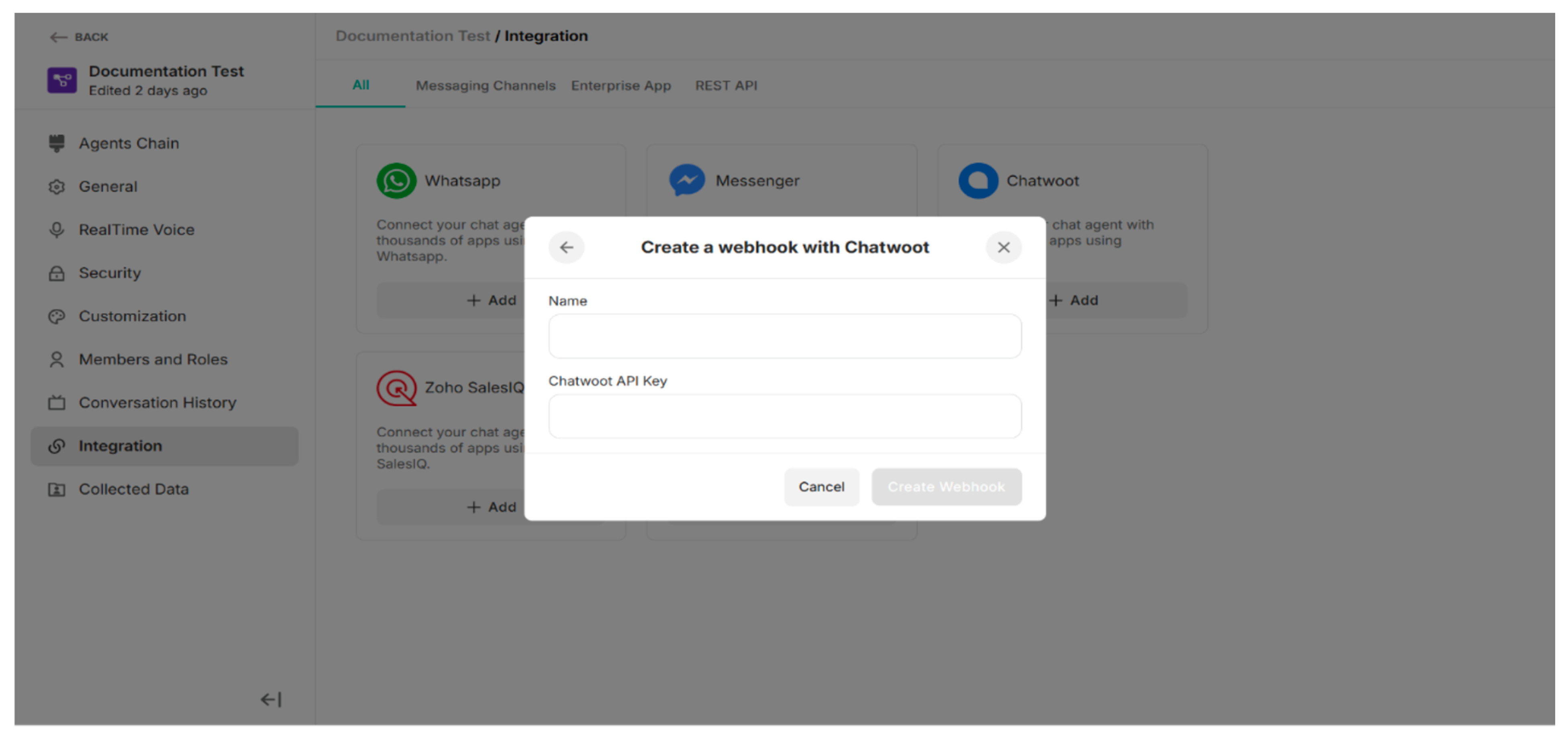 Figure: Create a webhook with Chatwoot
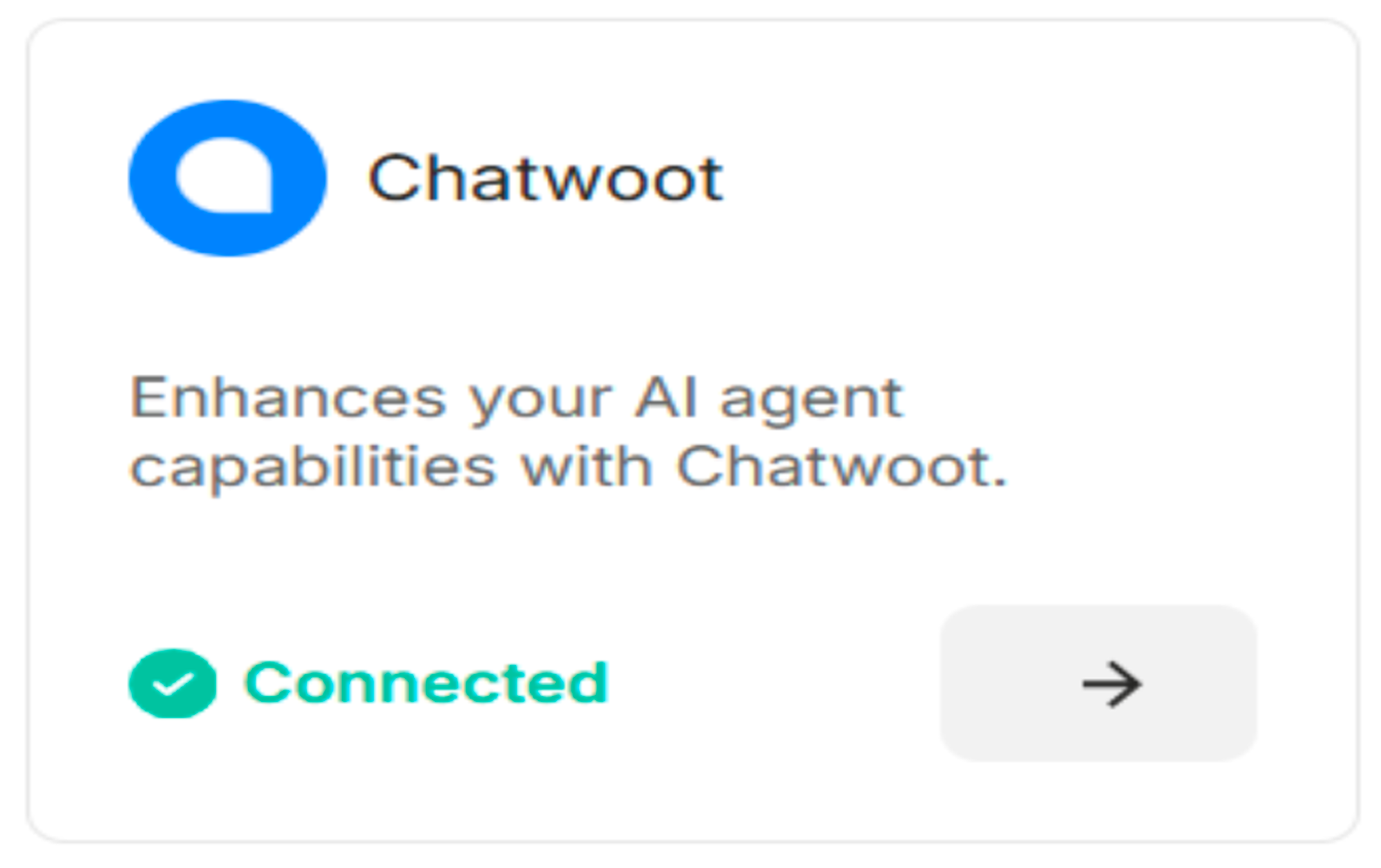
Figure: Chatwoot is connected
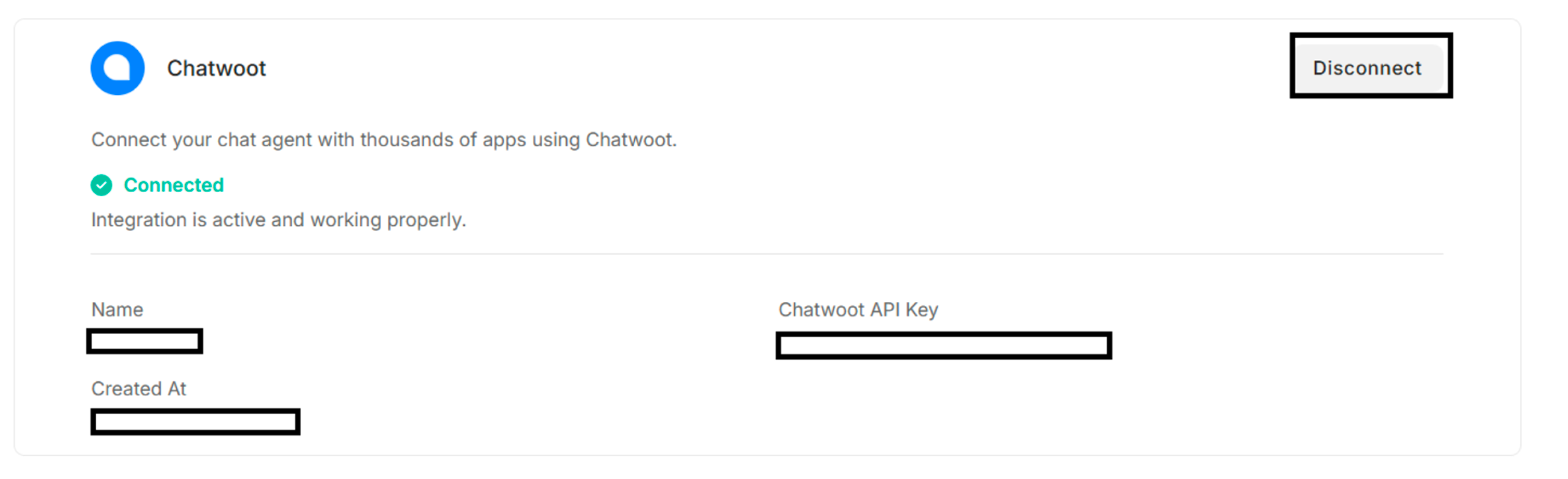 Figure: Connected Chatwoot after clicking forward arrow
8.4. Zendesk Sunshine
| Zendesk Credentials | Description |
|---|---|
| Name | To enter a suitable name |
| App ID | To add the App ID |
| Subdomain | To enter Subdomain |
| Key ID | To add Key ID |
| Key Secret | To add Key Secret |
Table: The required credentials to create the Zendesk Sunshine
| Buttons | Description |
|---|---|
| Create Webhook | To create webhook with Zendesk Sunshine |
| Cancel | To cancel the connection process |
| Disconnect | To disconnect the Zendesk Sunshine |
Table: Buttons in the Chatwoot
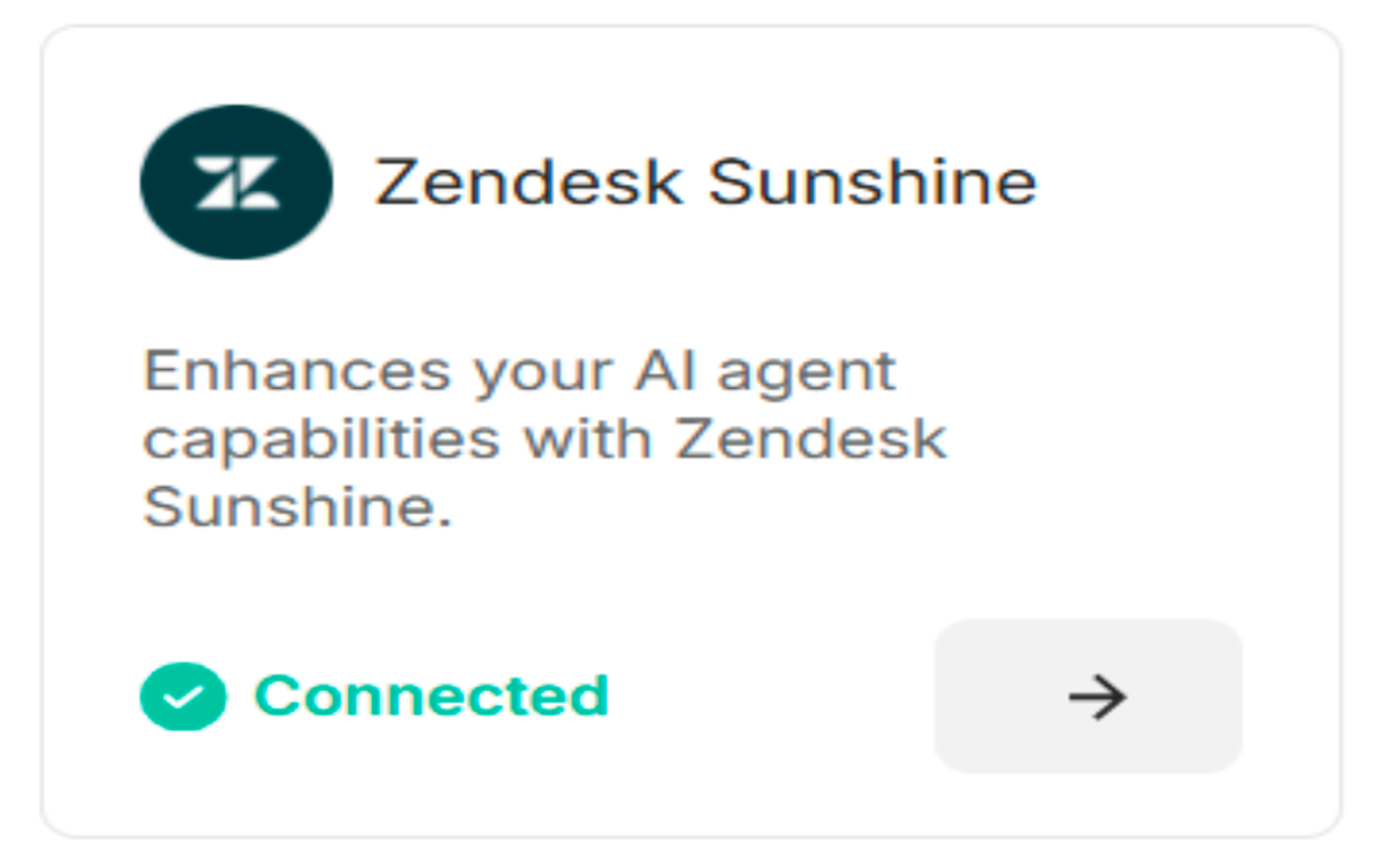
Figure: Zendesk Sunshine is Connected
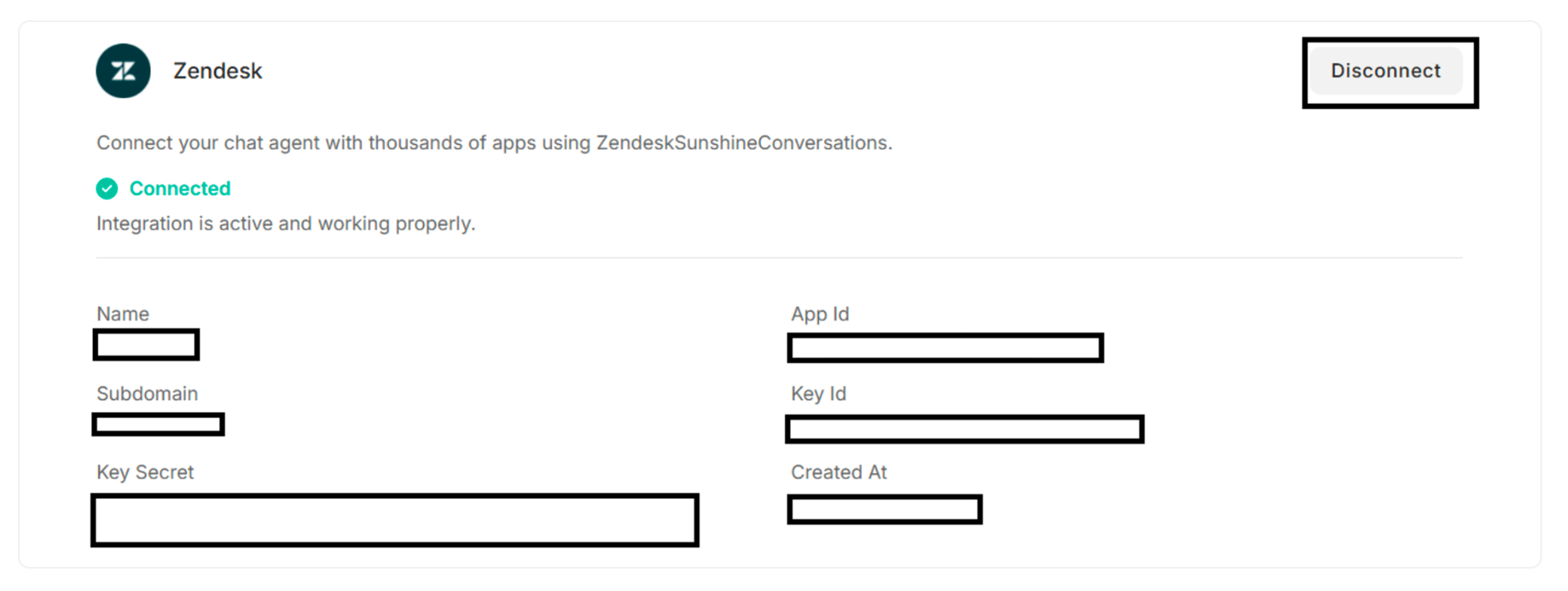 Figure: Connected Zendesk after clicking forward arrow
8.5. Zoho SalesIQ
| Zoho SalesIQ Credentials | Description |
|---|---|
| Name | To enter a suitable name |
| Client ID | To add the Client ID |
| Client Secret | To enter Client Secret |
Table: The required credentials to create the Zoho SalesIQ
| Buttons | Description |
|---|---|
| Create Webhook | To create webhook with Zoho SalesIQ |
| Cancel | To cancel the connection process |
| Disconnect | To disconnect the Zoho SalesIQ |
Table: Buttons in the Zoho SalesIQ
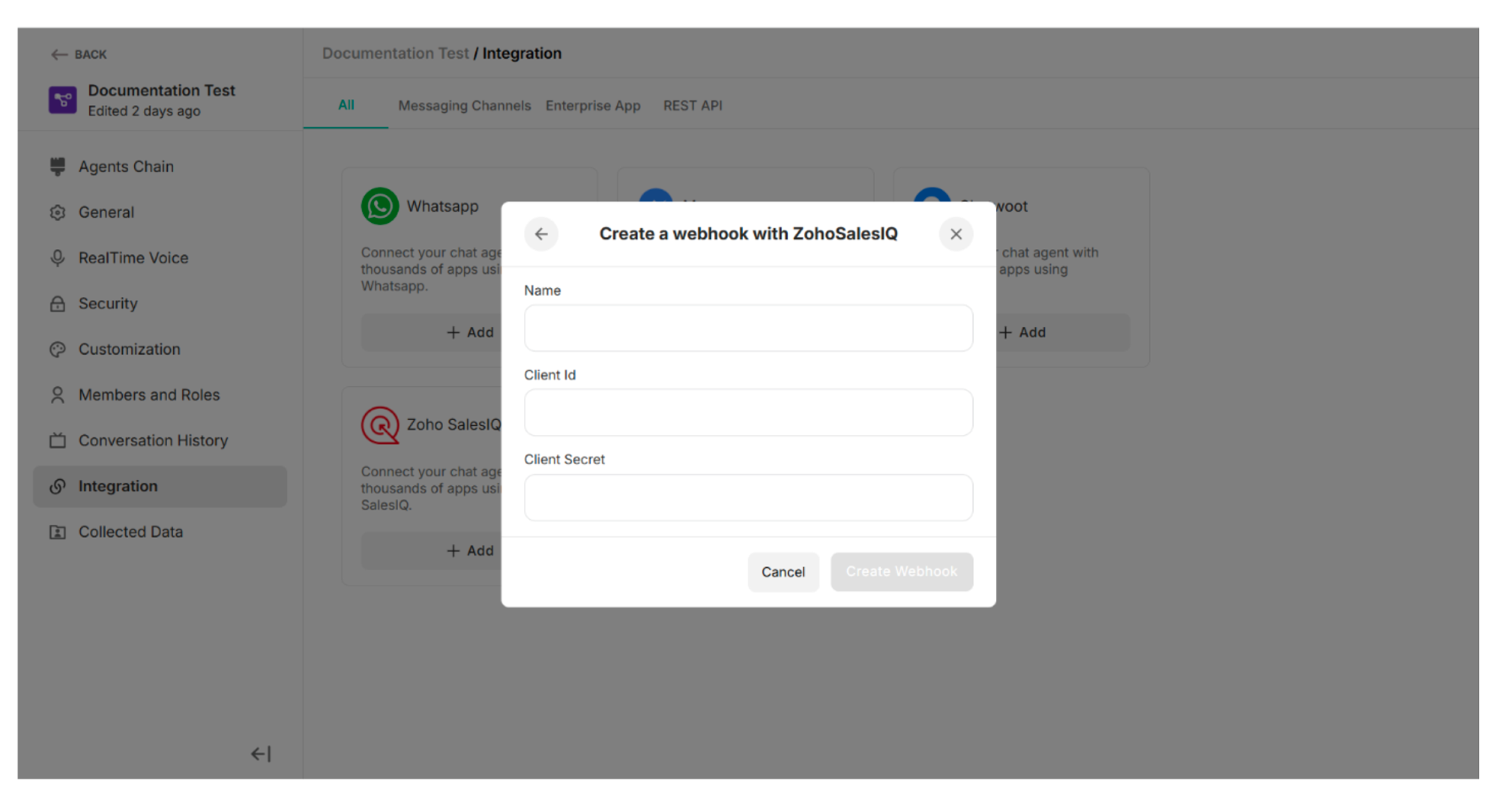 Figure: Create a webhook with Zoho SalesIQ