General Settings
There are four sections in the General Settings:
| Section Name | Description |
|---|---|
| Overview | To edit or update Multi Agent Name |
| Message and Conversation | To display the initial message or agent, set predefined messages, enable context aware tools, and control the chat history |
| Connect | To connect HTML code or use token to authenticate API requests |
| Danger Zone | To delete multi agent |
2.1. Overview
| Field | Description |
|---|---|
| Multi Agent Name | To edit or update the multi agent name |
Table: Multi Agent Name Section
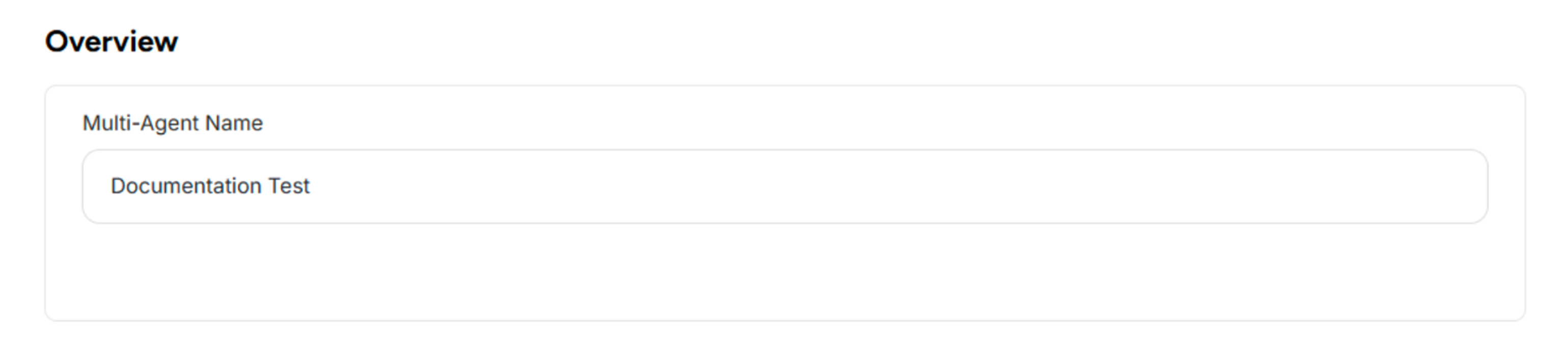 Figure: Overview Section of General Settings
2.2. Message and Conversation
| Field | Description |
|---|---|
| Initial Message | To display a message when the agent chain is loaded |
| Predefined Messages | To allow users to quickly start the conversation with predefined messages. |
| Display Agent | To display which agent or author generated each response. |
| Context Aware Detection | To enable context-aware tools and personalized data access for logged-in users. |
| Chat History Aware | To control the chat history of the agent. |
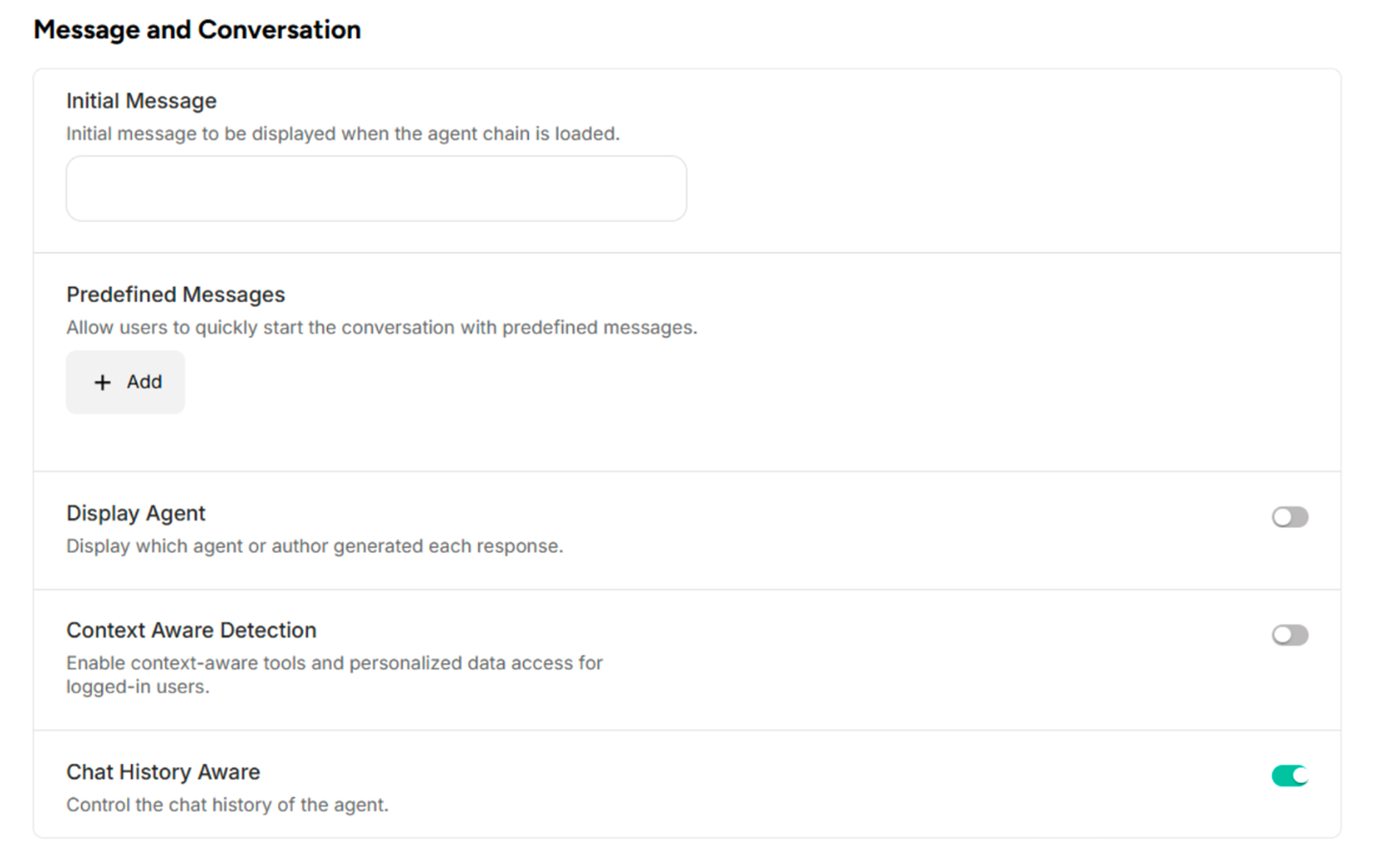 Figure: Message and Conversation Section of General Settings
2.3. Connect
| Field | Description |
|---|---|
| Embed on Website | To connect your HTML code where you want the agent to appear |
| Authorization Token for Contextual Data | To use the token to authenticate your API requests to Atenxion. |
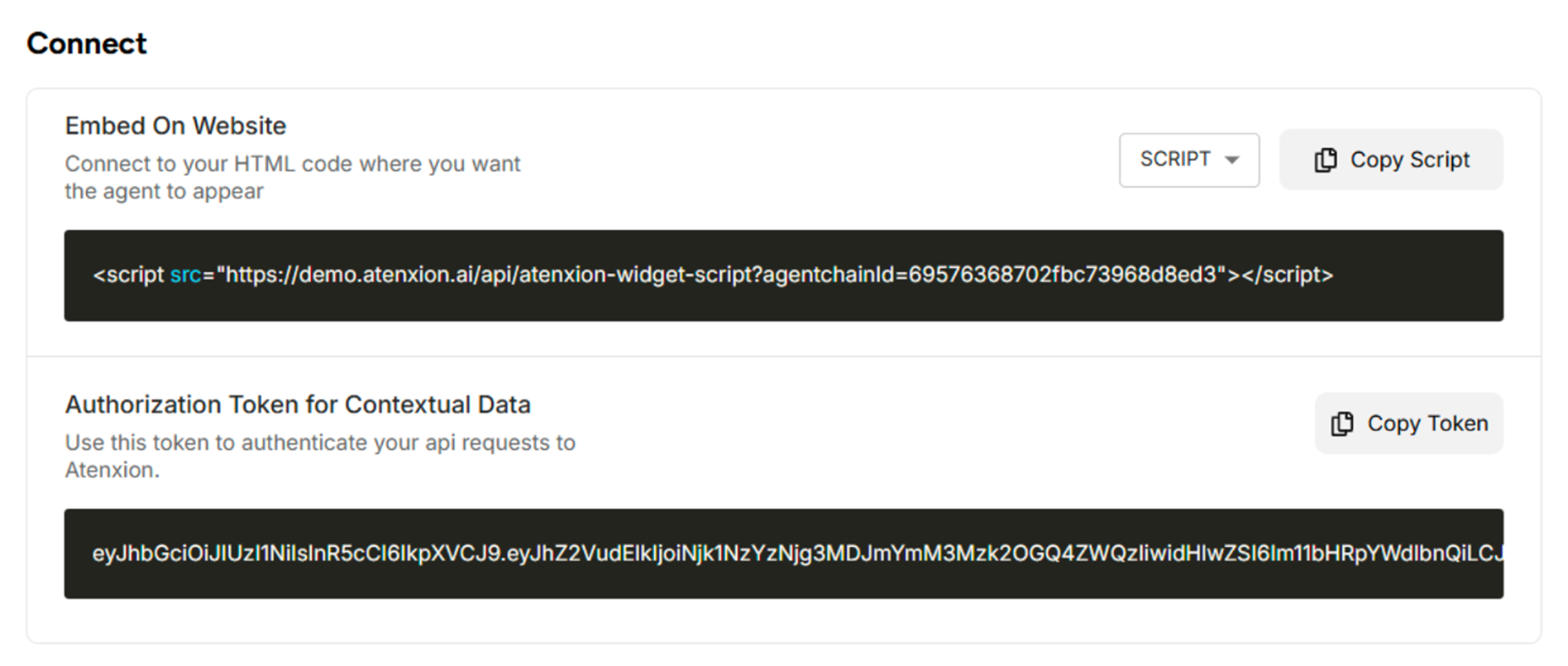 Figure: Connect Section of General Settings
2.4. Danger Zone
| Field | Description |
|---|---|
| Danger Zone | To delete the multi-agent is a permanent action that cannot be reversed. |
 Figure: Danger Zone Section of General Setting