Conversation Settings
| Filters/Button | Description |
|---|---|
| All Responses | To show the all responses in the conversation history |
| Liked | To display all the liked responses in the conversation history |
| Disliked | To appear the disliked response in the conversation history |
| Date | To filter the responses with the date range |
| Export | To export the conversation history as CSV, XLSX,PDF |
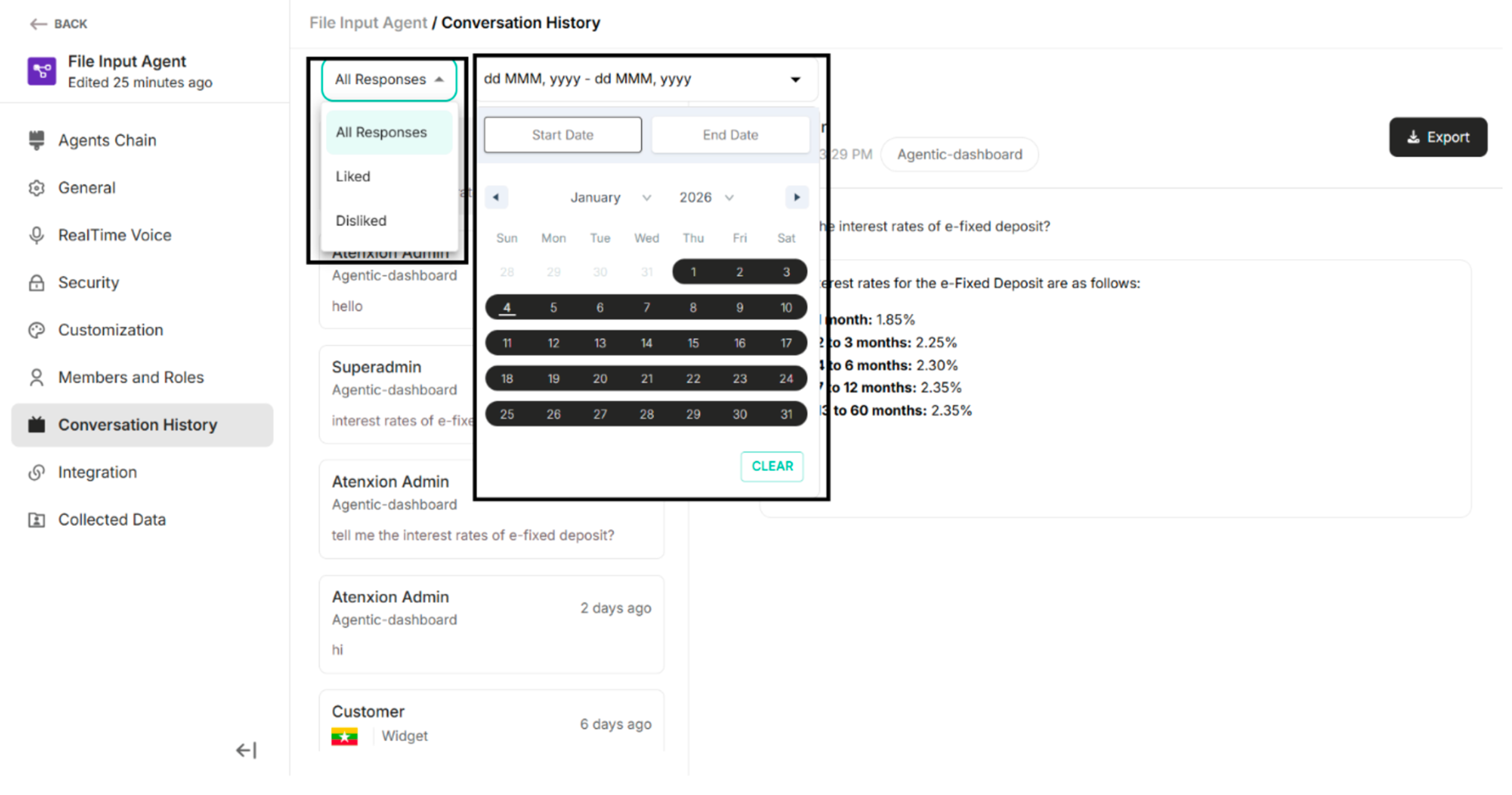 Figure: Filters Available under the Conversation History
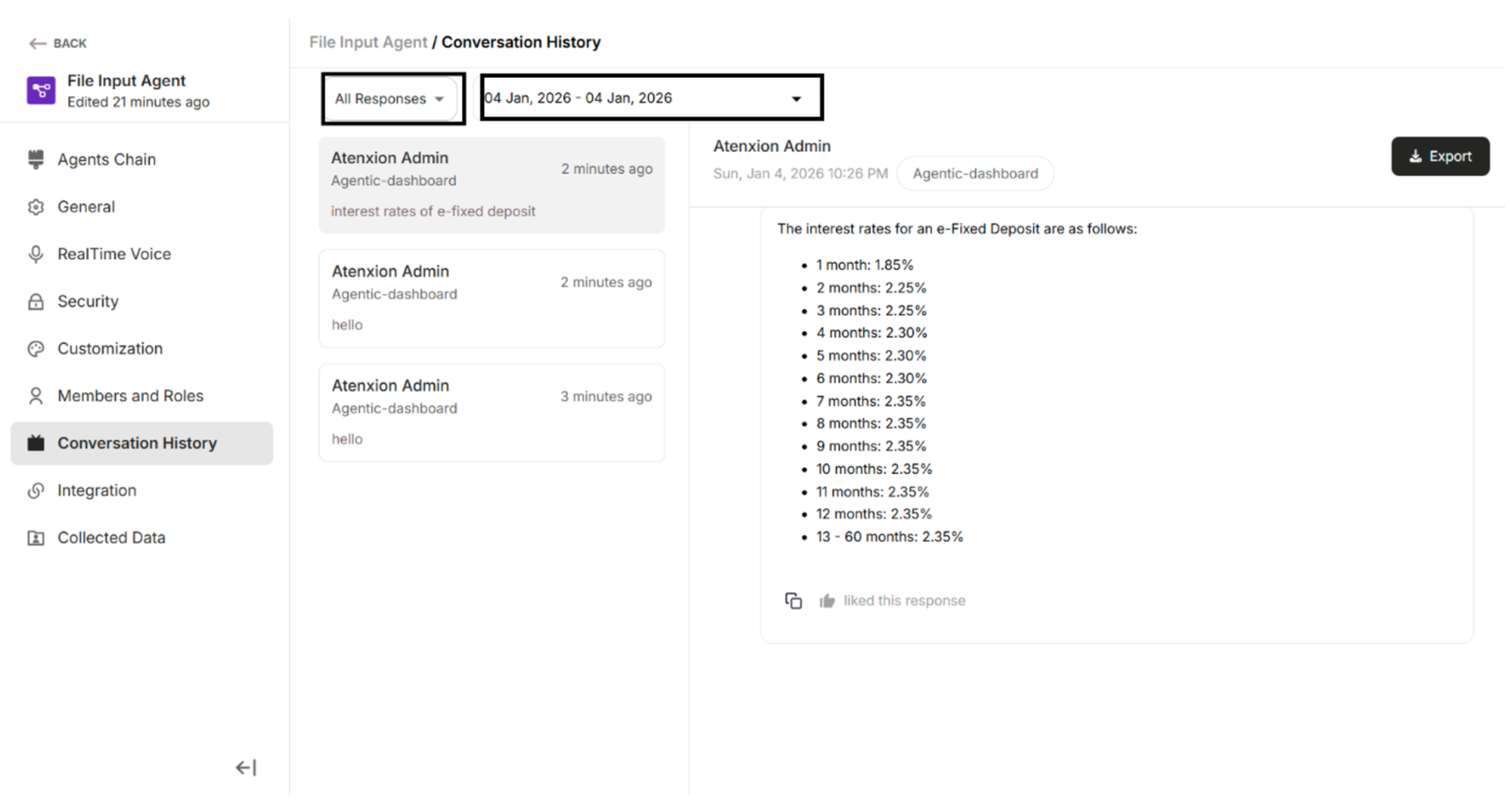 Figure: All Responses with Date Filter
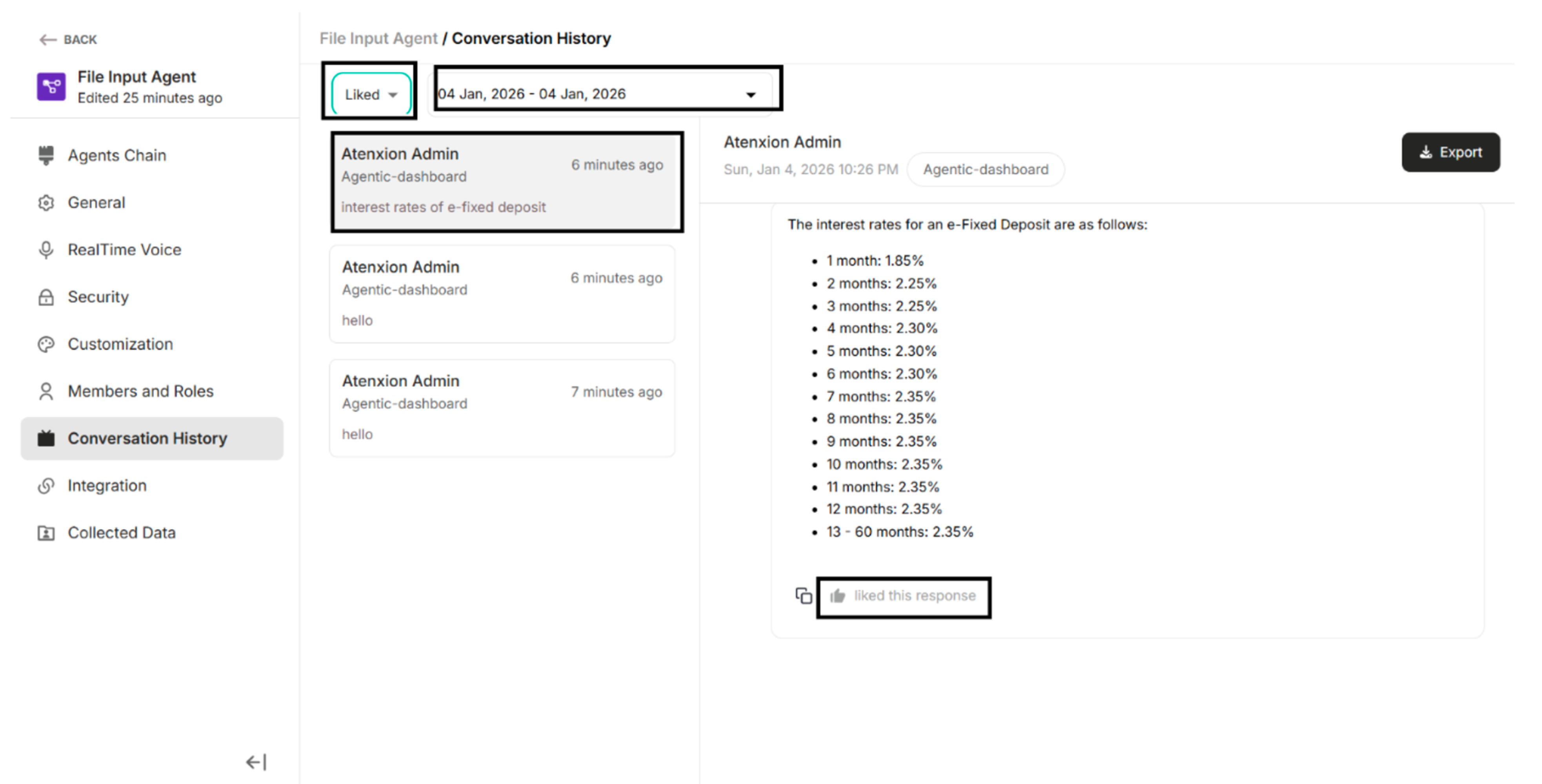 Figure: Liked with Date Filter
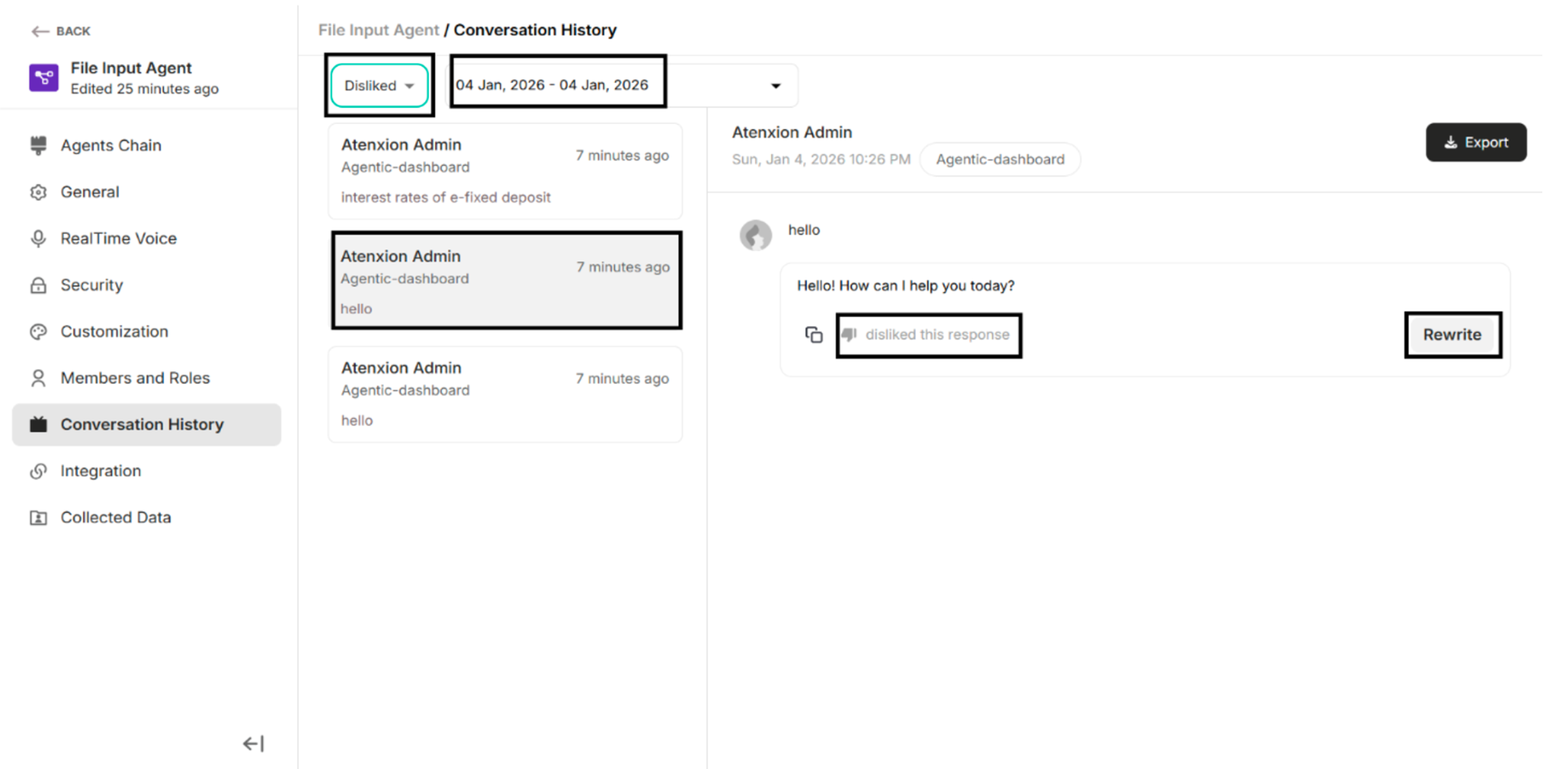 Figure: Disliked with Date Filter
7.1. Export as CSV, XLSX, PDF
| Buttons/Selection | Description |
|---|---|
| CSV | To export the conversation history as .csv file format. |
| XLSX | To export the conversation history as .xlsx file format. |
| To export the conversation history as .pdf file format. | |
| Cancel | To cancel the exporting conversation history process. |
| Export Chat Logs | To export the conversation history as the selected file format. |
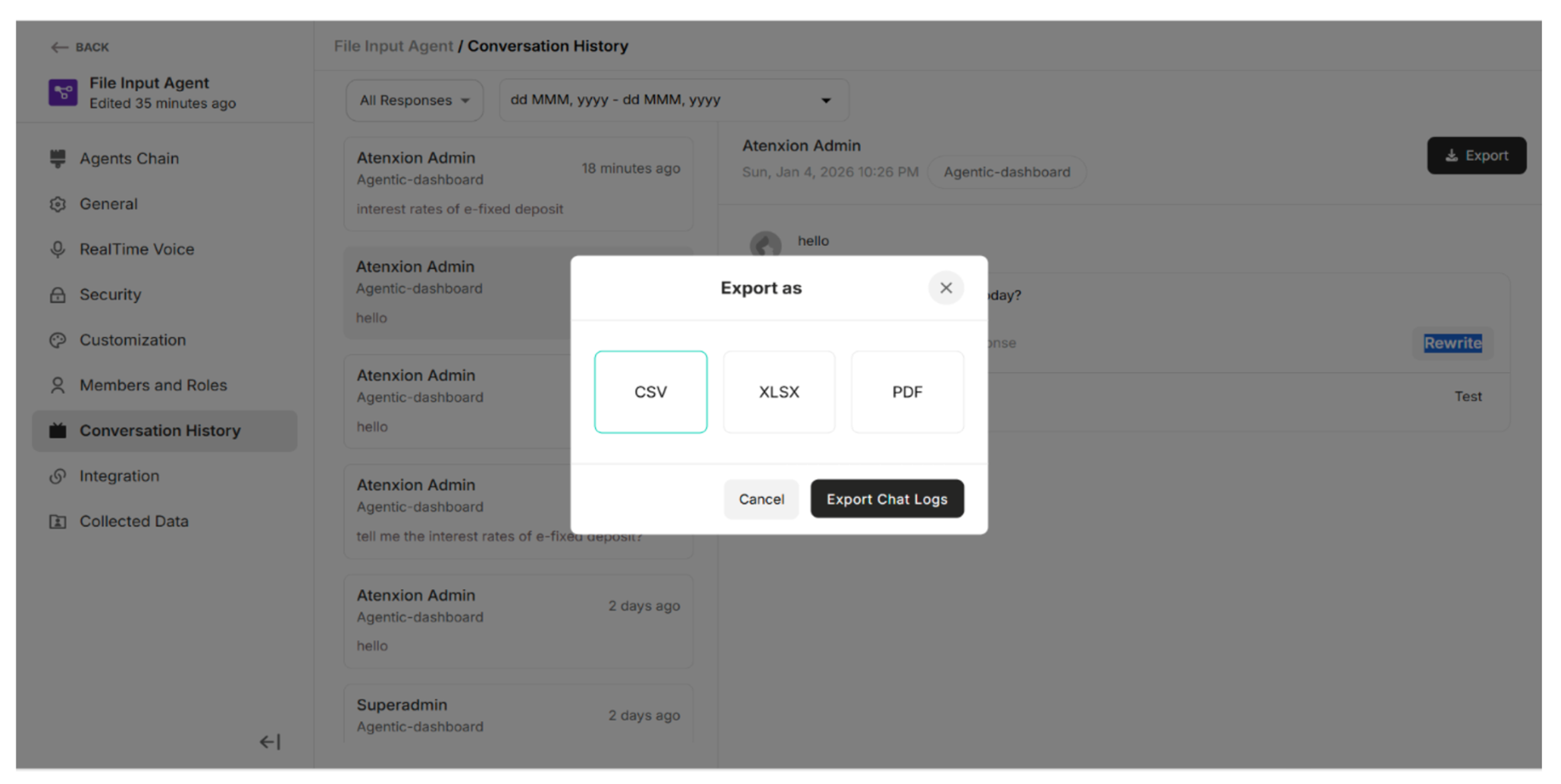 Figure: Export as Pop-up